Making Nintendo DS ROMs with Rust

This project actually had a few iterations of goals before settling on Rust and the DS. It actually started out as making games with Rust but for a Game Boy Color. This got tricky because LLVM doesn’t have a backend for the Game Boy Color’s CPU. The only workaround I found was to use LLVM to produce C code, then use some tool chain to compile for the Game Boy Color. That seemed a little messy and probably wouldn’t be that fun to work on.
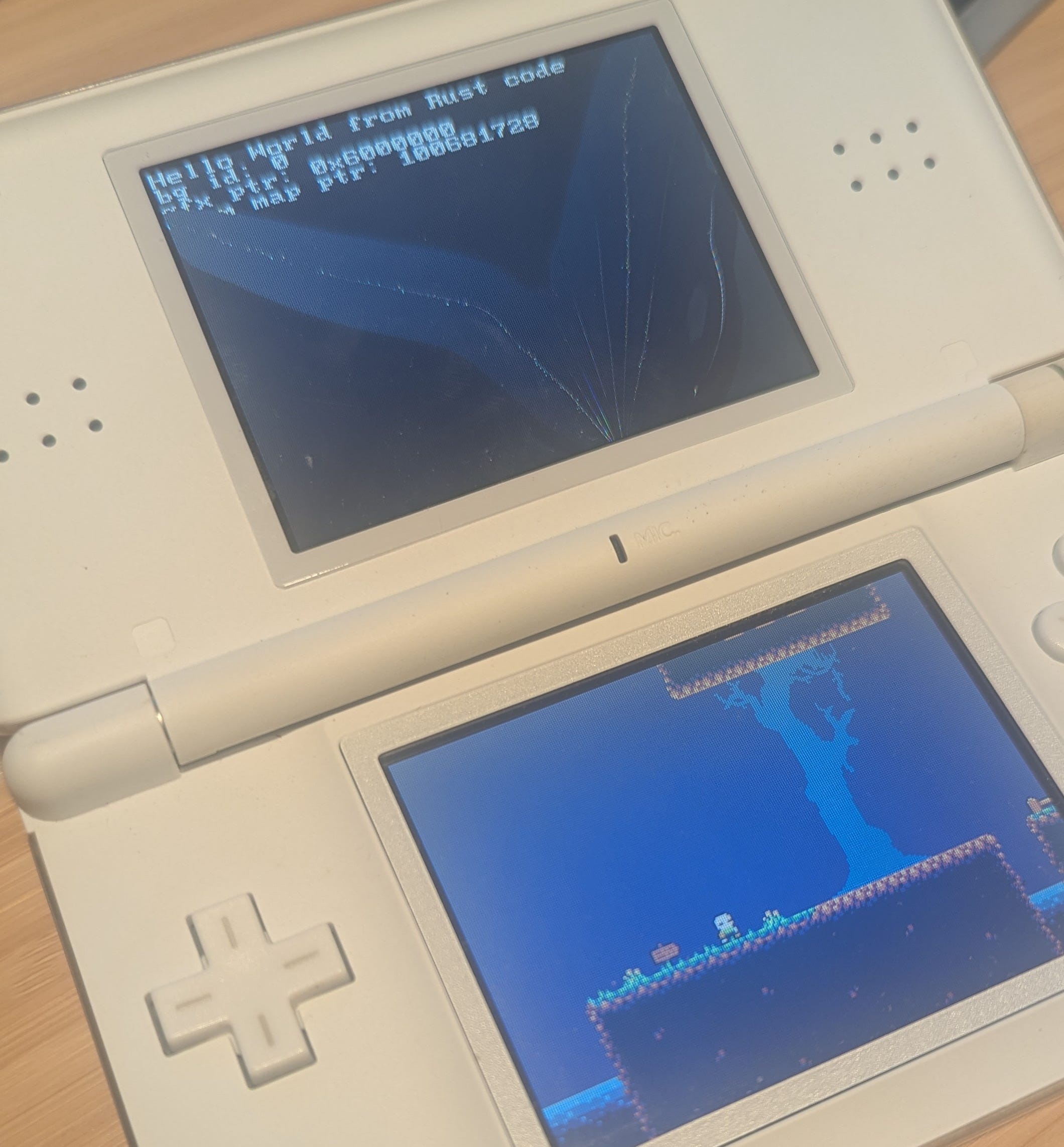
Instead I decided to try my Game Boy Advance. There seems to be a bunch of community support and open source options for this. They were a little overwhelming though, instead I went for doing it all by scratch. (somehow that is less overwhelming?) I set up the tool chain and got started developing with an emulator. Then I went to pull out my Gameboy and found the translucent purple case was now partially yellow and the batteries corroded and leaked. I assumed it didn’t work and grabbed the old DS Lite I had right next to it. Annoyingly, it had a rechargeable battery, and I didn’t have a charger. I bought a charger off the internet and luckily it turned on, though the top screen had a giant crack in it.
Unlike the GBA, the old DS hasn’t seemed to get much attention for making ROMs with Rust. My google searches for “nintendo ds rust” kept bringing up problems with their handheld and cartridges actually rusting. I only really found one resource related to actual programming with Rust targeting the DS, but it wasn’t really what I was looking for. (making games) The work I did getting GBA before set up ended up being helpful though.
Approach
This pretty much follows the same steps for compiling GBA ROMs https://gbadev.net/tonc/setup.html with C
Build an object (Cargo will output this)
Link and make an executable
Make the ROM with a specialized tool
Dependencies and Prerequisites
Install blocksds - this provides most of what will be used for building ROMs and programming.
It will be useful to make a bindgen crate for the nds library from Blocksds. I had Claude write and manage my crate for bindings. I’m hesitant to publish this to crates.io, but if there is interest I can. You can pull it from Github though.
A makefile is useful for managing all of this since there might eventually be pre-build steps like handling images and levels and post build steps for converting cargo’s output into a ROM.
Building the Object
The DS has two CPUs, an ARM9 and ARM7. We are going to target the ARM9 processor. It does most of the relevant to games work, and later on when we link and put the full ROM together we’ll use a default executable that’s already built.
Set up a new project with cargo init --lib. We’re going to build a statically linked library. Add crate-type = [”staticlib”] to cargo.toml, optionally configure lto and opt-level. (AI suggested those).
The triple we use for LLVM and the ARM9 CPU is “armv5te-none-eabi”. You can put this in “.cargo/config.toml” so the project always builds for it.
This isn’t going to use the stdlib, the build command will be something like:
Cargo +nightly build –release -Zbuild-std=core
Nightly is required to do this, and I ended up just doing release builds because I read debug builds can be too bloated for ROMs.
lib.rs needs to be set up for “nostd” So add #![no_std]
You’ll need some place holder panic handler:
#[panic_handler]
fn panic(_info: &PanicInfo) -> ! {
    loop {}
}
Even though it’s a lib, we’re going to add a main function:
#[unsafe(no_mangle)]
pub extern "C" fn main() -> i32 {0}
When you compile you should have a “.a” file generated.
Linking and making the ARM9 Executable
When you installed blocksds, it included the toolchain, libraries to link against and some other necessary parts.
Blocksds includes arm-none-eabi-gcc, you’ll use that to link the nds library, use the dsarm9 specs file, set the architecture and other things.
There is an example Makefile with the arguments. I had Claude make me a nice Make file, this is the link step
$(BUILDDIR)/$(GAME_NAME).elf: $(RUST_LIB) | $(BUILDDIR)
    BLOCKSDS=$(BLOCKSDS) $(CC) -specs=$(SPECS) -mthumb -mcpu=arm946e-s+nofp \
        -L$(LIBNDS)/lib \
        -Wl,--start-group \
        $(RUST_LIB) \
        $(shell find $(RUST_TARGET)/build -name ‘libnds_wrapper.a’) \
        -lnds9 -lc \
        -Wl,--end-group \
        -o $@
Making the ROM
The last step is just running ndstool to make the ROM
You need the arm9 executable from the last step and need to pick one of the prebuilt ARM7 executables. These are available where blocksds is installed. (List here)
After that you should be able to run the final ROM in an emulator or with a flashcart.
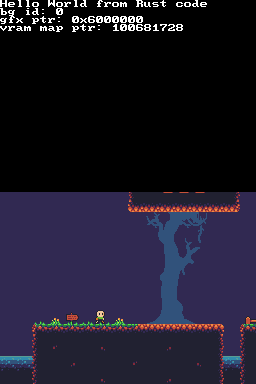
If you did want to use more of the Rust stdlib you can write a small allocator that uses malloc from the c library included along with libnds. Everything from libnds should work. I got platformer style graphics to display and ported some of the 3d examples.